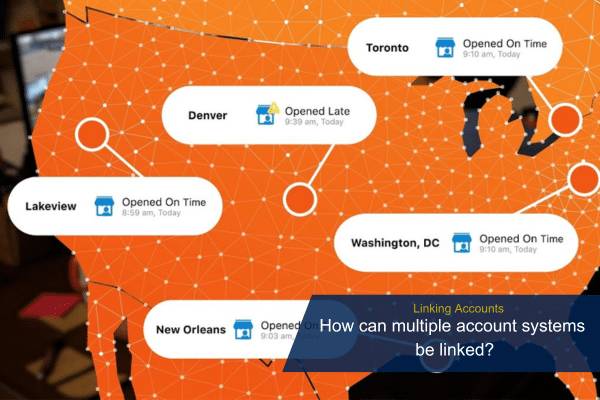
How can multiple account systems be linked?
Linked Systems allows multiple customer accounts to be shared under a single login. This allows the customer login to conveniently switch between Alarm.com accounts without having to log out of one account and log into their other Alarm.com accounts. Once Linked Systems is set up, the login can toggle between the linked accounts using the customer website or customer app.
With Linked Systems, customers can combine any existing Alarm.com accounts together, even if the accounts are with different dealers. There is no limit on the number of accounts that can be linked using Linked Systems.
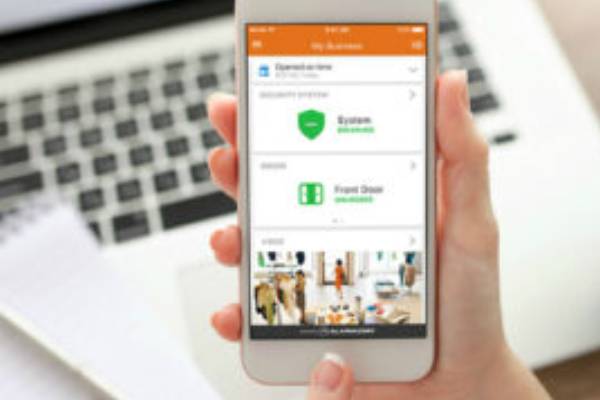
Link multiple account logins under one login name
Linked Systems can be set up using the customer website or customer app. When adding a login that already has Linked System connections to the login, access is granted to the subsequent logins that were already attached.
Important: The initial account creation and configuration must be completed before an account can be linked. This includes changing the new account’s temporary password that is assigned during account creation.
To link multiple account logins using the alarm.com website:
- Choose the account you would like to mainly use to access all of your accounts. This is the login used to access the multiple accounts once it is set up.
- Verify all usernames and passwords for the other accounts are easily accessible or known.
- Log into the customer website.
- In the system description, click Down
-
Click Link a System.
Note: Link a System will not display for commercial logins. Manage Groups will display if the login is part of an Enterprise Group and Multi-Location Management will display if the login is not part of an Enterprise Group, but has Enterprise Location Management selected on their service package.
- Enter the username and password for the secondary account.
- Click Next.
- Verify the system to be linked, then click Confirm. This takes immediate effect in linking the accounts to the current login name.
Note: A secondary login appears for any accounts that are attached to the main account. The login that appears is the login of the main account.
To link multiple account logins using the alarm.com app:
- Choose the main account you would like to connect with the rest. This is the login you will use whenever accessing the accounts going forward.
- Verify all the usernames and passwords for the other accounts are easily accessible.
- Log into the customer app.
- Tap Menu.
- If a system has not been linked yet, tap Link a System. If a system has already been linked, tap Manage Linked Systems, then tap Link.
- Enter the login name and password for the secondary account.
- Tap Next.
- Verify the system to be linked, then tap Confirm. This takes immediate effect in linking the accounts to the current login name.
Note: A secondary login appears for any accounts that are attached to the main account. The login that appears is the login of the main account.

Looking for Assistance?
Have questions or want a free security assessment? Our team is ready to help.
New Security Systems
Schedule a consultation or system design
Existing Systems
Service, maintenance, and upgrades